String parsing is one of the most practical skills a web developer or marketer can master when working with URLs. Every time a user clicks a link with parameters, submits a form via GET, or lands on a page tagged with UTM codes, the query string carries structured data. Extracting that data accurately determines whether your analytics hold up, your application routes correctly, and your debugging process stays efficient.
Yet many professionals treat query strings as opaque blobs of text, copying and pasting without truly understanding the structure. This guide walks you through four concrete steps to parse query strings from any URL, regardless of language or platform.
If you're unfamiliar with how URLs are constructed, our guide on what a URL is and how it works covers the fundamentals. By the end, you'll have a repeatable process for extracting, decoding, and using query string data in real projects.
Key Takeaways
- Query strings begin after the
?character and use&to separate key-value pairs. - Always decode percent-encoded values before using extracted parameters in your application logic.
- JavaScript's URLSearchParams API handles most string parsing tasks without external libraries.
- Tracking parameters like utm_source, fbclid, and gclid often clutter URLs unnecessarily.
- Validating and sanitizing parsed values prevents injection attacks and data corruption.
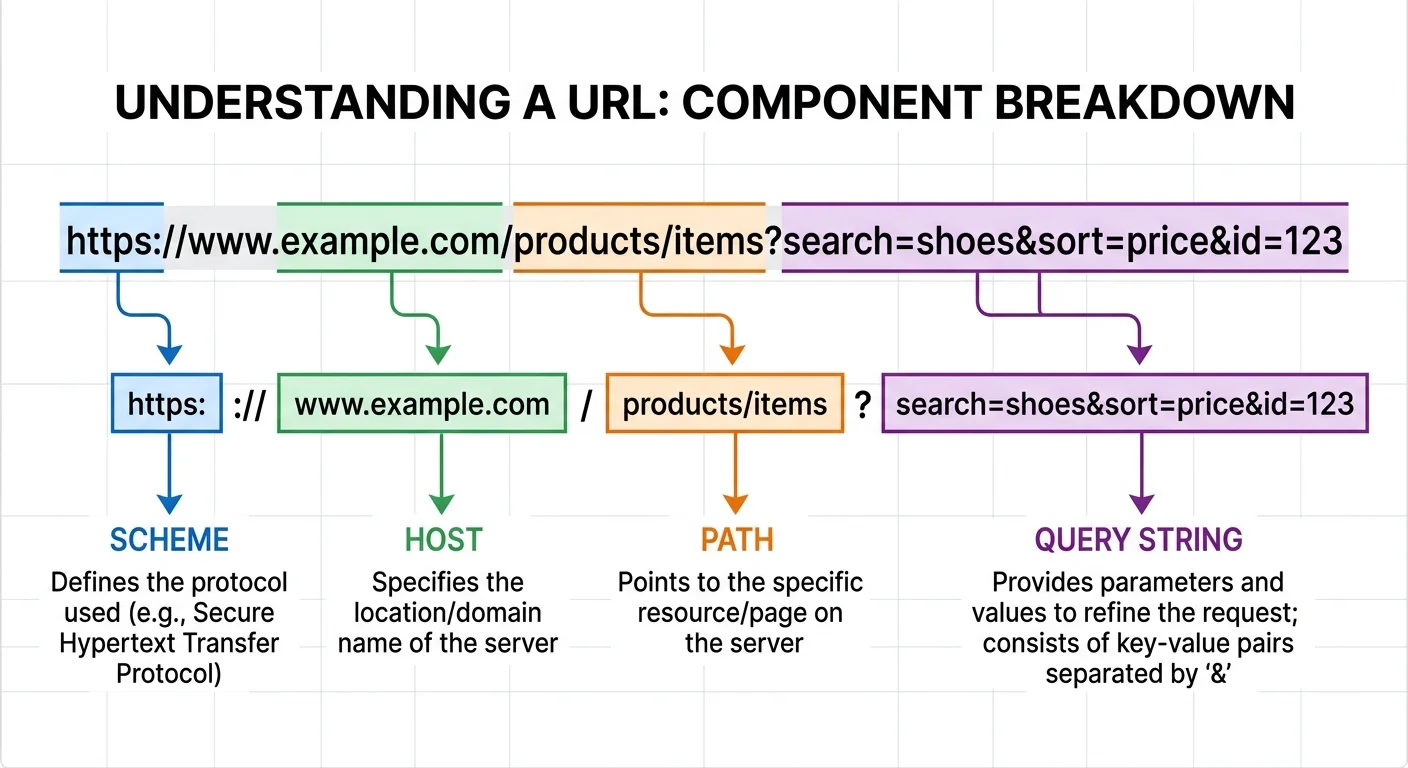
Step 1: Understand Query String Structure
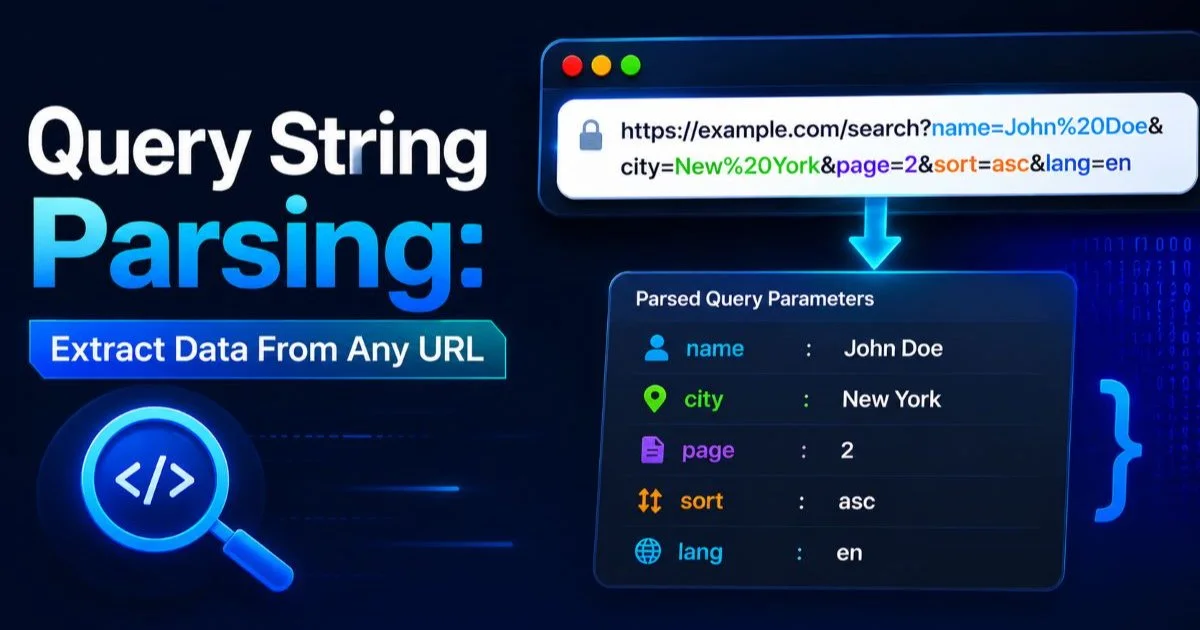
Before you write a single line of code, you need to recognize the anatomy of a query string. The query string is the portion of a URL that appears after the question mark (?). It consists of one or more key-value pairs joined by ampersands (&). For example, in https://shop.example.com/search?category=shoes&color=red&page=2, three parameters exist: category, color, and page. Each pair follows the format key=value, and the entire block is technically optional in a URL.
Anatomy of a Query String
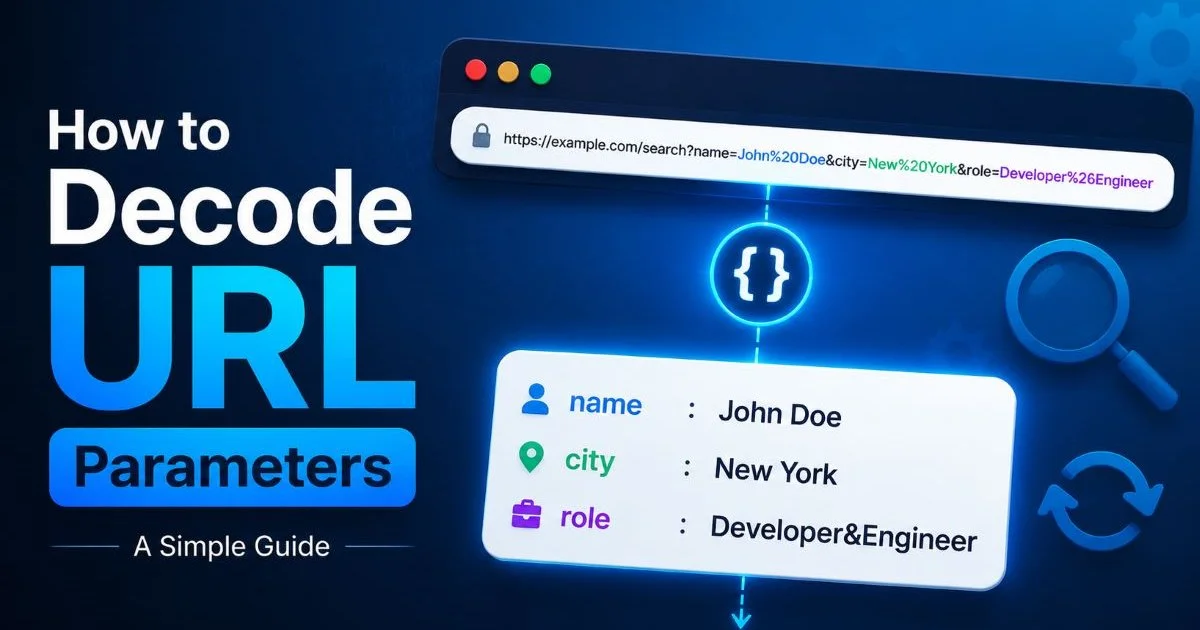
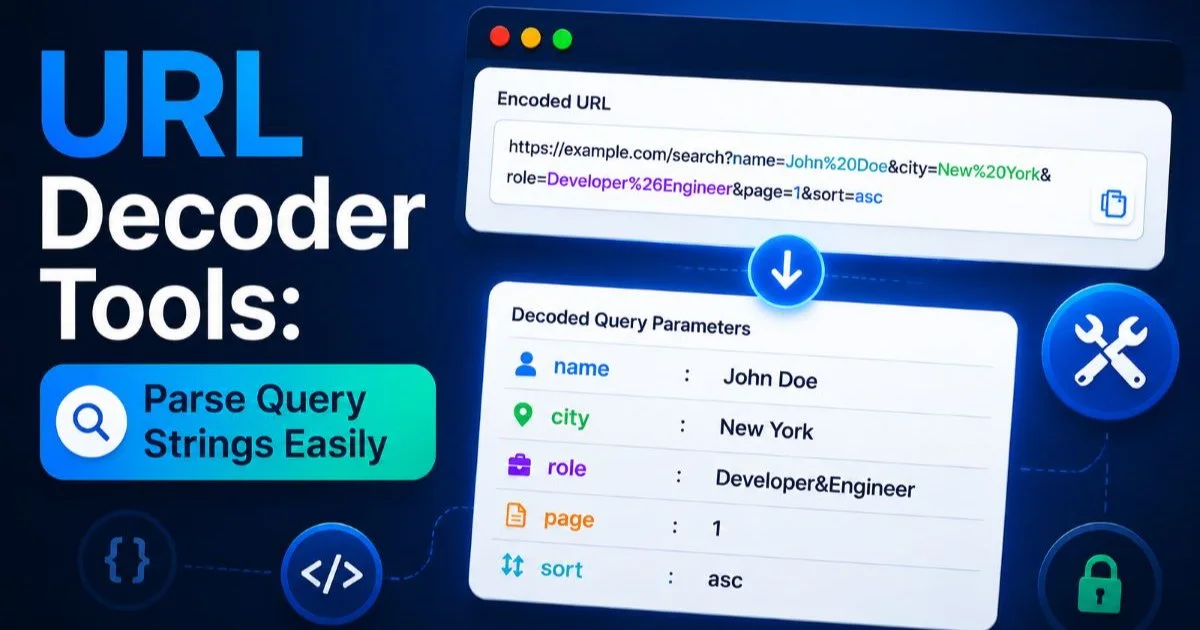
Not every query string is straightforward. Some parameters have empty values (key=), some keys appear multiple times (size=M&size=L), and some values contain special characters that have been percent-encoded. A space becomes %20, an ampersand inside a value becomes %26, and non-ASCII characters like accented letters get encoded into multi-byte sequences. Understanding these conventions upfront saves you from misinterpreting the data later during string parsing.
| Component | Symbol | Example | Purpose |
|---|---|---|---|
| Separator | ? | ?query=test | Marks the start of the query string |
| Delimiter | & | a=1&b=2 | Separates individual key-value pairs |
| Assignment | = | key=value | Binds a parameter name to its value |
| Encoding | %XX | %20 (space) | Represents reserved or special characters |
| Fragment boundary | # | #section1 | Marks end of query, start of fragment |
It's also worth noting that the fragment identifier (#) is not part of the query string and is never sent to the server. Browsers strip it before making HTTP requests. If you're scraping URLs from client-side JavaScript, you may encounter fragments mixed in, so always isolate the query portion first. A reliable parser splits on ? first, then on # to discard the fragment, and only then processes the remaining key-value pairs.
Always split the URL on the first occurrence of ? only, since question marks can legally appear inside parameter values when percent-encoded.
Step 2: Extract Parameters With Code
JavaScript Approach
In modern JavaScript, the URLSearchParams API is your best friend for string parsing. Instantiate it with new URLSearchParams(window.location.search), and you get an iterable object. Calling .get('key') returns the first value for that parameter. Calling .getAll('key') returns an array when a parameter appears multiple times. This API handles decoding automatically, so %20 becomes a space without extra effort on your part.
Here's a practical snippet. Suppose a marketing team sends traffic to https://app.example.com/landing?utm_source=newsletter&utm_medium=email&discount=20%25off. Using const params = new URLSearchParams(url.split('?')[1]), you can call params.get('discount') and receive 20%off with the percent-encoding already resolved. For quick debugging without writing code, URL decoder tools that parse query strings can do the same thing in a browser interface.
Python and PHP Alternatives
Python's standard library includes urllib.parse, which offers parse_qs and parse_qsl. The difference matters: parse_qs returns a dictionary where each value is a list (handling duplicate keys), while parse_qsl returns a flat list of tuples preserving order. For server-side work, Python's approach is explicit and predictable. A typical call looks like parse_qs("category=shoes&color=red"), returning {'category': ['shoes'], 'color': ['red']}.
PHP developers have parse_str(), which populates an associative array from a query string. Be careful here: older PHP versions would register variables directly into the global scope if you omitted the second argument. Always pass a variable reference as the second parameter. In server environments processing event data from APIs, robust query string parsing on the backend is essential for routing webhooks and processing callback URLs correctly.
Step 3: Decode Percent-Encoded Values
Raw query strings often look like gibberish because of percent encoding. A search for "coffee & tea" becomes q=coffee%20%26%20tea. If you skip decoding, your application stores or displays the encoded version, which confuses users and breaks downstream logic. The full explanation of percent encoding and how URLs encode data covers the specification in depth, but the practical rule is simple: always decode before you use the value.
JavaScript provides decodeURIComponent() for individual values. Python offers urllib.parse.unquote(). PHP has urldecode(). Each handles the conversion from percent-encoded bytes back to readable characters. One common mistake is double-decoding: if a value was encoded twice (which happens when systems layer encoding), a single decode pass yields another encoded string. Check whether your decoded result still contains % sequences and decide if a second pass is warranted.
Double-decoding can introduce security vulnerabilities. A value like %253Cscript%253E decodes to %3Cscript%3E on the first pass, then to a literal script tag on the second. Always validate after decoding.
Unicode characters add another layer. A Japanese search term might appear as q=%E6%9D%B1%E4%BA%AC, which decodes to "東京" (Tokyo). Modern parsing functions handle UTF-8 multi-byte sequences correctly, but legacy systems sometimes assume Latin-1 encoding. If you see garbled output after decoding, the encoding mismatch is almost always the culprit. Specify UTF-8 explicitly wherever your language allows it.
"If your decoded query string values look like garbled text, the problem is almost always an encoding mismatch, not a parsing bug."
For quick, one-off decoding tasks during debugging sessions, browser-based tools can save significant time. Paste any encoded URL into the decoder at urldecode.dev, and you'll see every parameter broken out with its decoded value instantly. This is particularly useful when inspecting URLs from email campaigns or ad platforms where multiple layers of redirect encoding are common.
Step 4: Clean and Validate Parsed Data
Removing Tracking Clutter
Marketing URLs accumulate tracking parameters like barnacles on a ship. Parameters such as utm_source, utm_medium, fbclid, gclid, mc_eid, and _hsenc serve analytics platforms but bloat URLs shared by users. After string parsing extracts all parameters, you can filter out the noise programmatically. Build a blocklist of known tracking parameters and strip them before storing or sharing the URL. Our guide on how to remove tracking parameters from URLs provides a comprehensive list and practical techniques.
This cleanup matters for several reasons. Cleaner URLs improve cacheability because two URLs differing only by a fbclid value point to the same content but generate separate cache entries. They also improve user trust; a URL shared in a chat looks far more professional without 200 characters of tracking gibberish appended to it. When building tools for open source projects, maintaining clean URL handling is just as important as having a solid open source license policy in place.
Security Considerations
Parsed query string values are user input, full stop. Treat them with the same suspicion you'd give a form field. SQL injection, cross-site scripting, and path traversal attacks can all ride in on query parameters. After your string parsing step, validate each value against expected types. If a parameter should be a number, cast it and reject non-numeric input. If it's a string destined for HTML output, sanitize it with a library like DOMPurify (JavaScript) or Bleach (Python).
Never construct SQL queries or shell commands by concatenating raw parameter values. Use parameterized queries and escape functions provided by your database driver. Log suspicious inputs, including unexpected parameter names that don't match your application's expected set. An unrecognized parameter showing up consistently could indicate an attacker probing your system or a new tracking pixel you didn't authorize. Monitoring your parsed parameters creates an early warning system that costs almost nothing to implement.
Some frameworks like Express.js and Django automatically parse query strings into request objects. Even so, the parsed values still require validation before use in business logic.
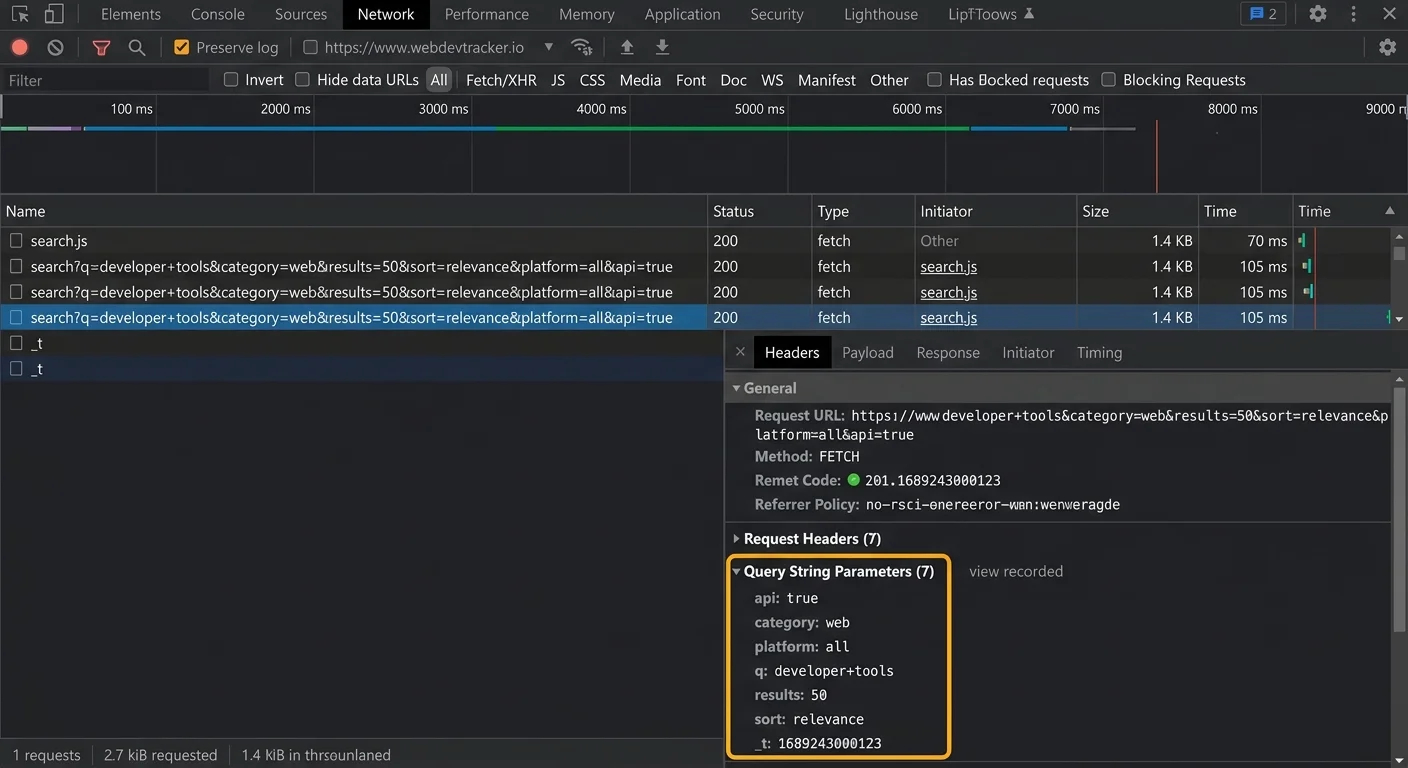
Frequently Asked Questions
?How do I use URLSearchParams to extract a specific parameter?
?Does Python or PHP handle repeated keys like size=M&size=L differently than JavaScript?
?How long does it realistically take to add query string parsing to an existing project?
?Is it risky to use parsed query string values directly in application logic without validation?
Final Thoughts
Query string parsing is a foundational skill that bridges frontend development, backend logic, and marketing analytics. The four steps outlined here, understanding structure, extracting with proper tools, decoding encoded values, and cleaning the results, form a reliable workflow for any URL you encounter.
Whether you're debugging a broken redirect, building an analytics pipeline, or simply sharing a cleaner link, the process stays the same. Make string parsing a deliberate part of your development practice rather than an afterthought, and your data quality will reflect the difference.
Disclaimer: Portions of this content may have been generated using AI tools to enhance clarity and brevity. While reviewed by a human, independent verification is encouraged.