URL decoder tools are indispensable for anyone who regularly works with web addresses containing encoded characters, query parameters, or tracking tags. Whether you're debugging an API response, analyzing campaign links, or simply trying to read a messy URL, these tools transform percent-encoded strings into human-readable text in seconds.
For web developers, a garbled query string can mean the difference between a working redirect and a frustrating 404 error. For marketers, hidden UTM parameters and affiliate tags buried in encoded URLs can obscure the true destination of a link.
Understanding how to parse query strings effectively saves time, prevents errors, and gives you full visibility into what a URL actually contains. If you've ever wondered how URLs work at a fundamental level, decoding is the practical skill that brings that knowledge to life. This guide walks you through the exact steps to parse query strings with confidence.
Key Takeaways
- URL decoder tools convert percent-encoded characters back into readable text instantly.
- Query string parameters follow a predictable key-value structure after the question mark.
- Tracking parameters like utm_source can be identified and removed through decoding.
- Automated decoding reduces human error compared to manual character-by-character translation.
- Regular decoding practice helps developers catch redirect bugs and broken API calls early.
Step 1: Understand Percent Encoding and Why It Exists
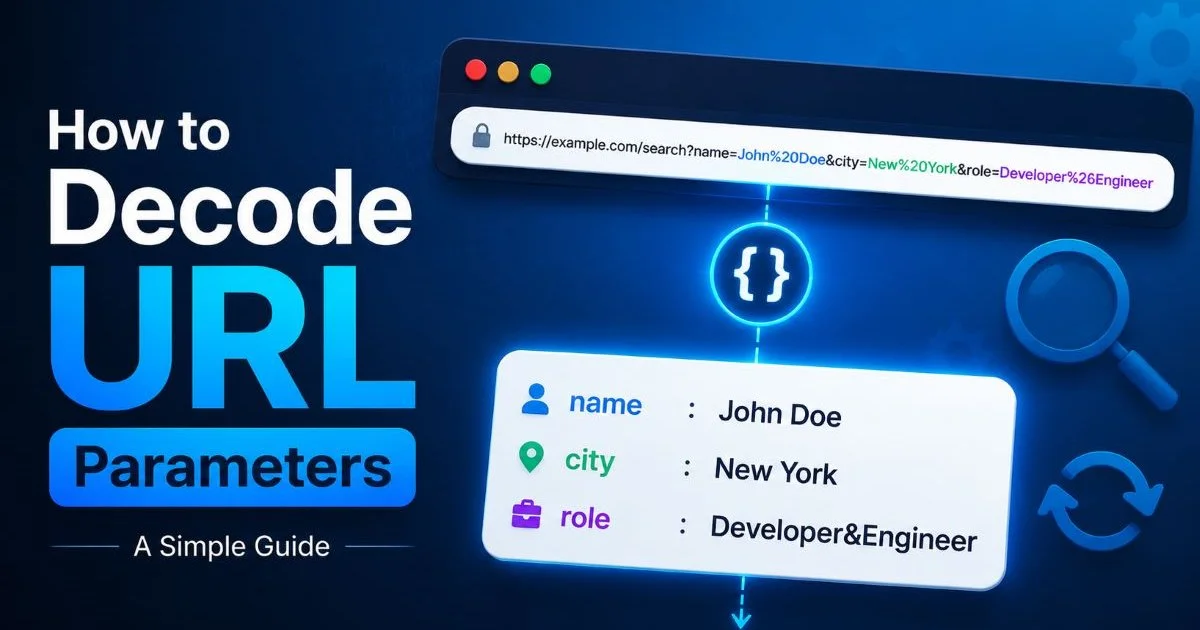
Before you can decode anything, you need to understand what percent encoding actually does. URLs can only contain a limited set of ASCII characters. When a URL needs to include spaces, special characters, or non-Latin scripts, those characters get replaced with a percent sign followed by two hexadecimal digits. For example, a space becomes %20, an ampersand becomes %26, and a forward slash becomes %2F. This encoding keeps URLs valid across all browsers and servers.
The encoding process is defined by RFC 3986, which specifies exactly which characters are "unreserved" (safe to use as-is) and which must be encoded. Letters, digits, hyphens, underscores, periods, and tildes are unreserved. Everything else, including characters like @, #, and =, may need encoding depending on where they appear in the URL. This is why a search query containing "shoes & bags" turns into shoes%20%26%20bags in the address bar.
Double encoding is a common pitfall that trips up even experienced developers. This happens when an already-encoded string gets encoded again, turning %20 into %2520. URL decoder tools handle this gracefully by letting you decode iteratively until the output stabilizes. Recognizing double encoding early prevents hours of debugging broken links and malformed API requests that return cryptic error messages.
Common Encoded Characters You'll Encounter
| Character | Encoded Form | Where You'll See It |
|---|---|---|
| Space | %20 or + | Search queries, form data |
| & (Ampersand) | %26 | Parameter values containing & |
| = (Equals) | %3D | Nested parameter values |
| / (Slash) | %2F | Encoded path segments |
| ? (Question mark) | %3F | URLs passed as parameter values |
| # (Hash) | %23 | Fragment identifiers in values |
| @ (At sign) | %40 | Email addresses in URLs |
Bookmark a percent-encoding reference table so you can spot encoded characters at a glance without needing a tool every time.
Step 2: Choose the Right URL Decoder Tool for Your Workflow
Not all URL decoder tools are built the same, and picking the right one depends on your specific workflow. If you're a marketer who occasionally needs to check a campaign link, a simple web-based decoder like the one at urldecode.dev gets the job done in seconds. Just paste the URL, hit decode, and read the clean output. There's no installation, no dependencies, and no learning curve involved.
Developers working with APIs or automated pipelines will benefit more from programmatic decoding. In JavaScript, decodeURIComponent() handles most cases. Python offers urllib.parse.unquote(). PHP has urldecode(). Each language has subtle differences in how it handles plus signs versus %20 for spaces, so testing your specific use case matters. When building or maintaining a site on a content management system, understanding how your platform handles URL encoding can prevent broken permalinks; a solid CMS comparison guide often covers these kinds of technical nuances.
Online vs. Programmatic Decoding
For teams that sit between these two extremes, browser developer tools offer a middle ground. Chrome DevTools' Network tab automatically decodes query parameters in the "Params" section of any request. Firefox does the same. This approach works well when you're debugging a specific page load or tracking pixel without leaving your browser. You don't need a separate tool; the decoder is built right into your inspection workflow.
Browser DevTools may not decode nested or double-encoded values automatically. Always verify complex strings with a dedicated decoder.
The choice also depends on privacy. Online tools process your URL on a remote server, which may be a concern if the URL contains tokens, session IDs, or personally identifiable information. Offline tools and programmatic methods keep the data on your machine. If you regularly handle sensitive URLs, building a simple local decoding script is worth the twenty minutes it takes.
Step 3: Parse Query Strings Step by Step
A query string is everything after the ? in a URL. It consists of key-value pairs separated by ampersands. For example, in https://shop.example.com/search?q=red%20shoes&sort=price&page=2, the query string contains three parameters: q, sort, and page. Decoding this URL reveals that q equals "red shoes," which was encoded as red%20shoes. This structured format is universal across the web.
Breaking Down a Real URL
Let's work through a realistic example. Suppose you receive this URL from a marketing campaign: https://example.com/landing?utm_source=newsletter&utm_medium=email&utm_campaign=spring%20sale%202024&ref=abc%3D123%26type%3Dvip. Start by identifying the base URL: https://example.com/landing. Then isolate the query string after the question mark. Split on each & to get individual parameters. Finally, decode each value separately.
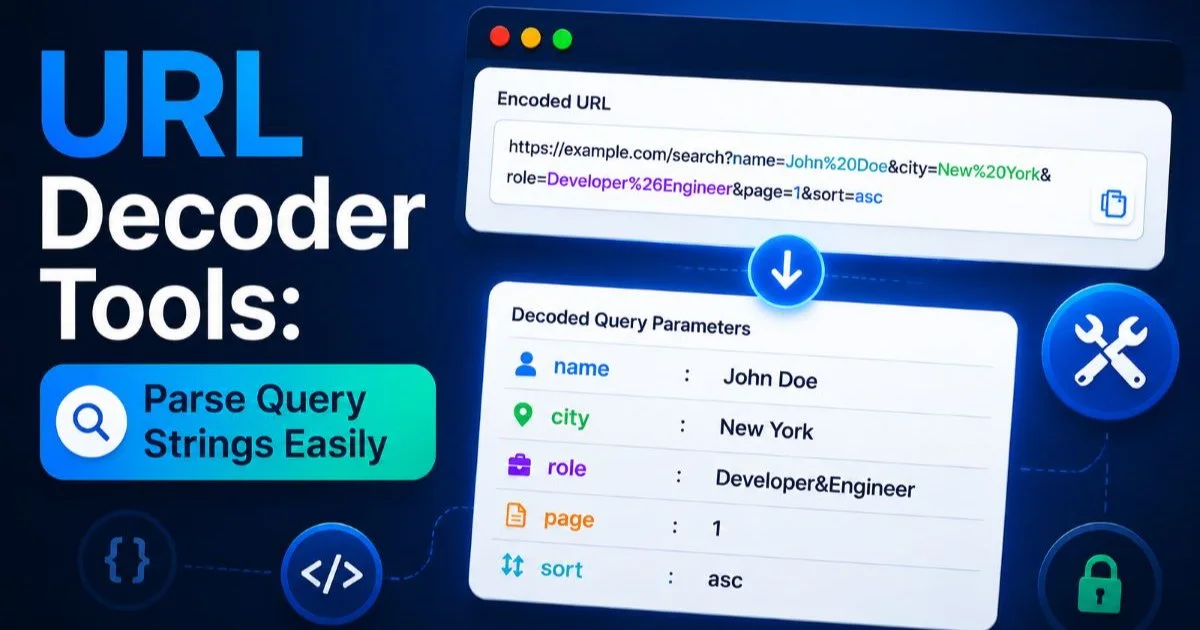
After decoding, the ref parameter reveals abc=123&type=vip, which is itself a set of nested parameters that were encoded to prevent them from being interpreted as top-level query string pairs. This nesting pattern is extremely common in redirect URLs, ad tracking links, and OAuth callback flows. URL decoder tools that display parameters in a structured table make this nesting visible at a glance, which is far faster than reading raw encoded text.
"The real power of decoding isn't just readability; it's the ability to see what a URL is actually doing behind the scenes."
When parsing programmatically, avoid splitting the entire URL on & before decoding. Decode first, then parse. Otherwise, encoded ampersands inside parameter values will create phantom parameters that don't actually exist. This ordering mistake causes subtle bugs that are hard to trace, especially in analytics pipelines where one extra phantom parameter can skew report accuracy. The difference between correct and incorrect parsing order is small but significant.
Step 4: Identify and Remove Tracking Parameters
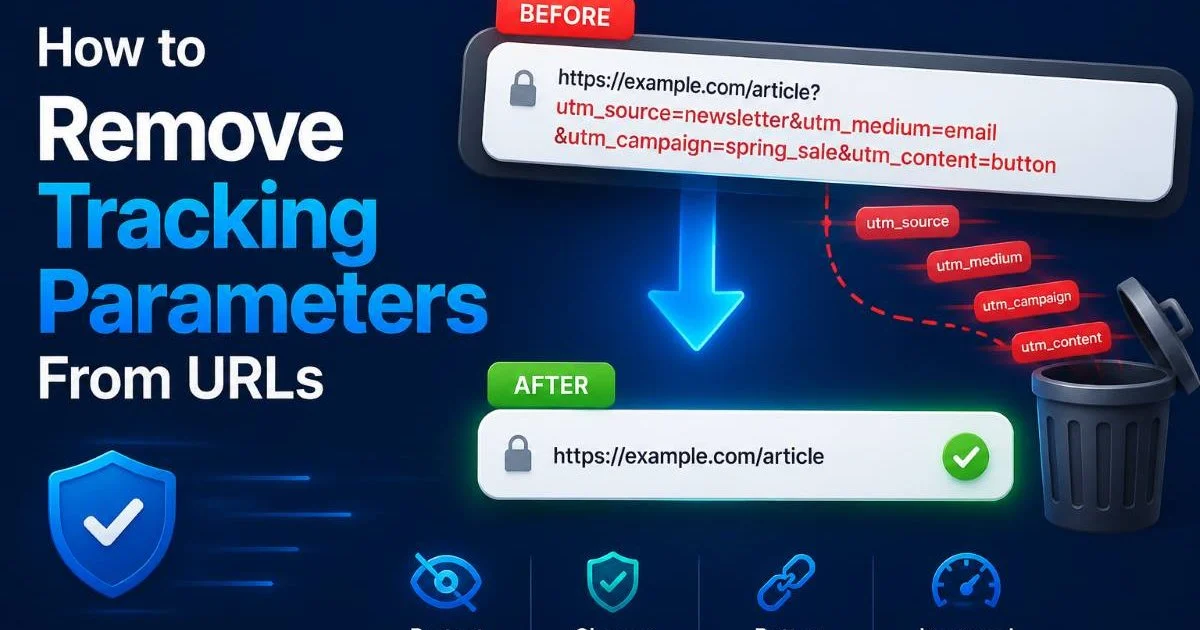
Once you can decode and parse a URL, the next practical application is identifying tracking parameters. Modern marketing URLs are packed with tags that serve analytics platforms but add no value to the end user. Google Analytics UTM parameters (utm_source, utm_medium, utm_campaign, utm_term, utm_content) are the most common. Facebook adds fbclid. Google Ads appends gclid. Affiliate networks inject their own session and click identifiers.
URL decoder tools make it straightforward to spot these parameters because they transform a wall of encoded text into clean, labeled pairs. Once visible, you can decide which to keep and which to strip. For sharing clean URLs on social media or in documentation, removing tracking parameters produces shorter, more trustworthy links. For privacy-conscious users, stripping these tags prevents cross-site tracking. The process is simple: decode, identify the tracking keys, and reconstruct the URL without them.
Which Parameters Are Safe to Strip
Not all parameters are tracking tags. Some are functional. A parameter like page=2 or product_id=4821 is needed for the page to load correctly. Stripping it would break the link. A good rule of thumb: if removing the parameter still loads the correct content, it was a tracking parameter. Test by stripping one parameter at a time and loading the URL. Automated tools can streamline this process significantly, similar to how AI-powered audit tools compare to manual review when scanning for unnecessary code.
Never strip parameters from URLs used in authentication flows, payment callbacks, or API endpoints. Removing the wrong key can break critical functionality.
For developers building URL cleaning into an application, maintain a blocklist of known tracking parameter names. Community-maintained lists on GitHub track hundreds of these parameters across major ad platforms and analytics tools. Programmatically filtering against this list after decoding gives you a reliable, automated cleanup pipeline. Marketers can achieve the same result manually by using URL decoder tools to inspect links before sharing them internally or with clients.
Create a browser bookmarklet that decodes and strips tracking parameters from the current page URL with one click. A ten-line JavaScript snippet is all you need.
Frequently Asked Questions
?How do I fix double-encoded URLs like %2520 in my API requests?
?Should I use an online URL decoder tool or write programmatic decoding?
?How long does it actually take to parse a complex query string manually?
?Is it safe to strip all tracking parameters after decoding a URL?
Final Thoughts
Working with URLs doesn't have to feel like reading a foreign language. URL decoder tools turn opaque, percent-encoded strings into clear, structured data you can act on immediately.
The four steps outlined here, understanding encoding, choosing the right tool, parsing query strings methodically, and stripping tracking parameters, form a complete workflow for both developers and marketers.
Build these habits into your daily process, and you'll catch bugs faster, share cleaner links, and maintain full control over the data flowing through your URLs.
Disclaimer: Portions of this content may have been generated using AI tools to enhance clarity and brevity. While reviewed by a human, independent verification is encouraged.